> ## Documentation Index
> Fetch the complete documentation index at: https://plain-docs-orca-916-agent-docs-restructure.mintlify.site/llms.txt
> Use this file to discover all available pages before exploring further.
# Parahelp
> Connect Parahelp's AI agent to your Plain workspace to autonomously resolve complex support tickets end-to-end.
The Parahelp integration connects your Parahelp customer agent to your Plain workspace, resolving complex support tickets end-to-end by using your tools (like Stripe, Slack, and Linear), knowledge, and procedures.
Parahelp is purpose-built for fast-moving tech companies. In addition to resolving complex support tickets, Parahelp also automates support operations (e.g., updating docs, identifying bug report patterns, and syncing with Linear).
## How to set it up
## Adding Parahelp as a team member
1. Contact the Parahelp team to set up your agent. Once you're ready to connect to Plain:
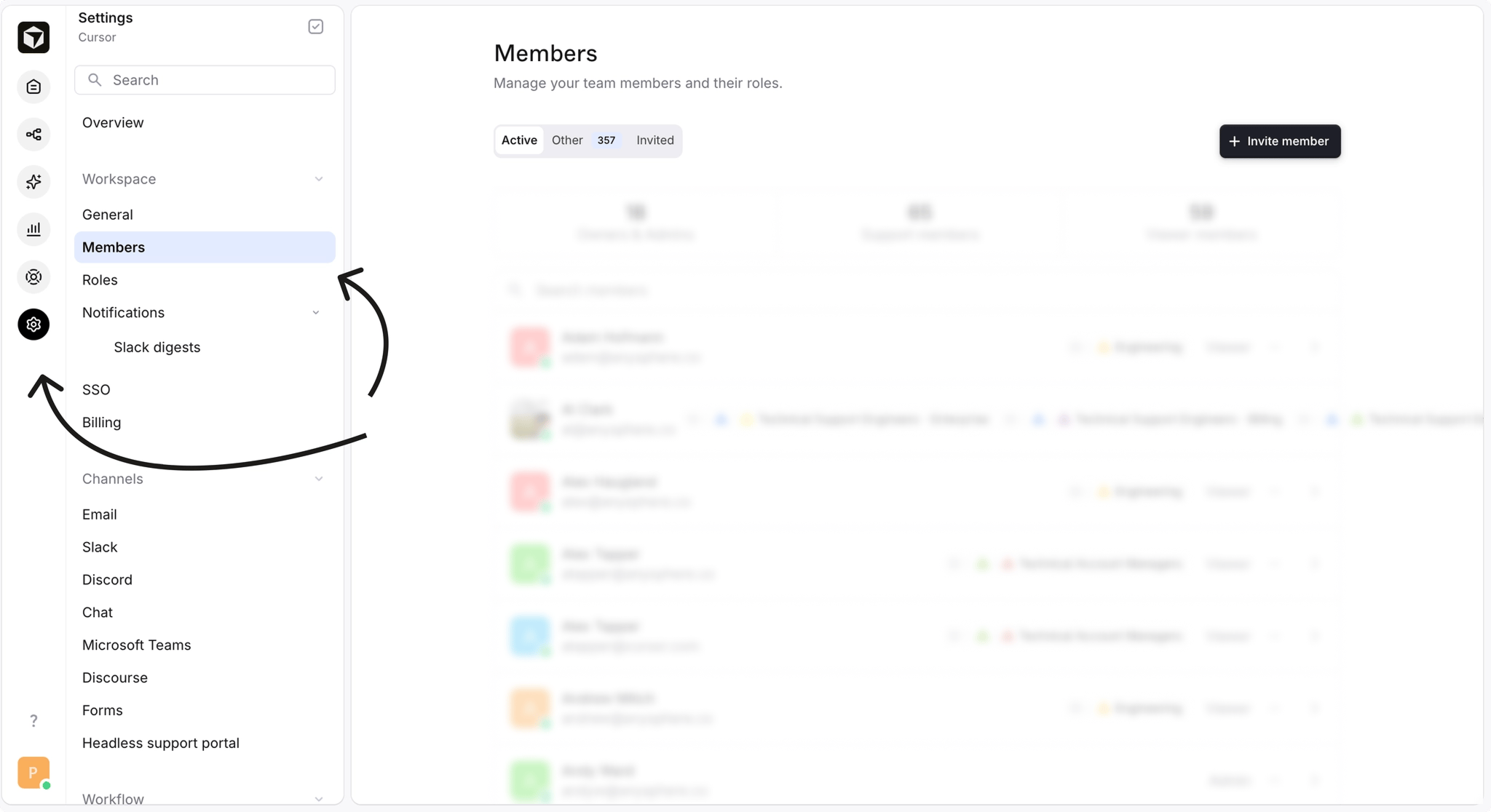
2. Go to "Settings" → "Members"
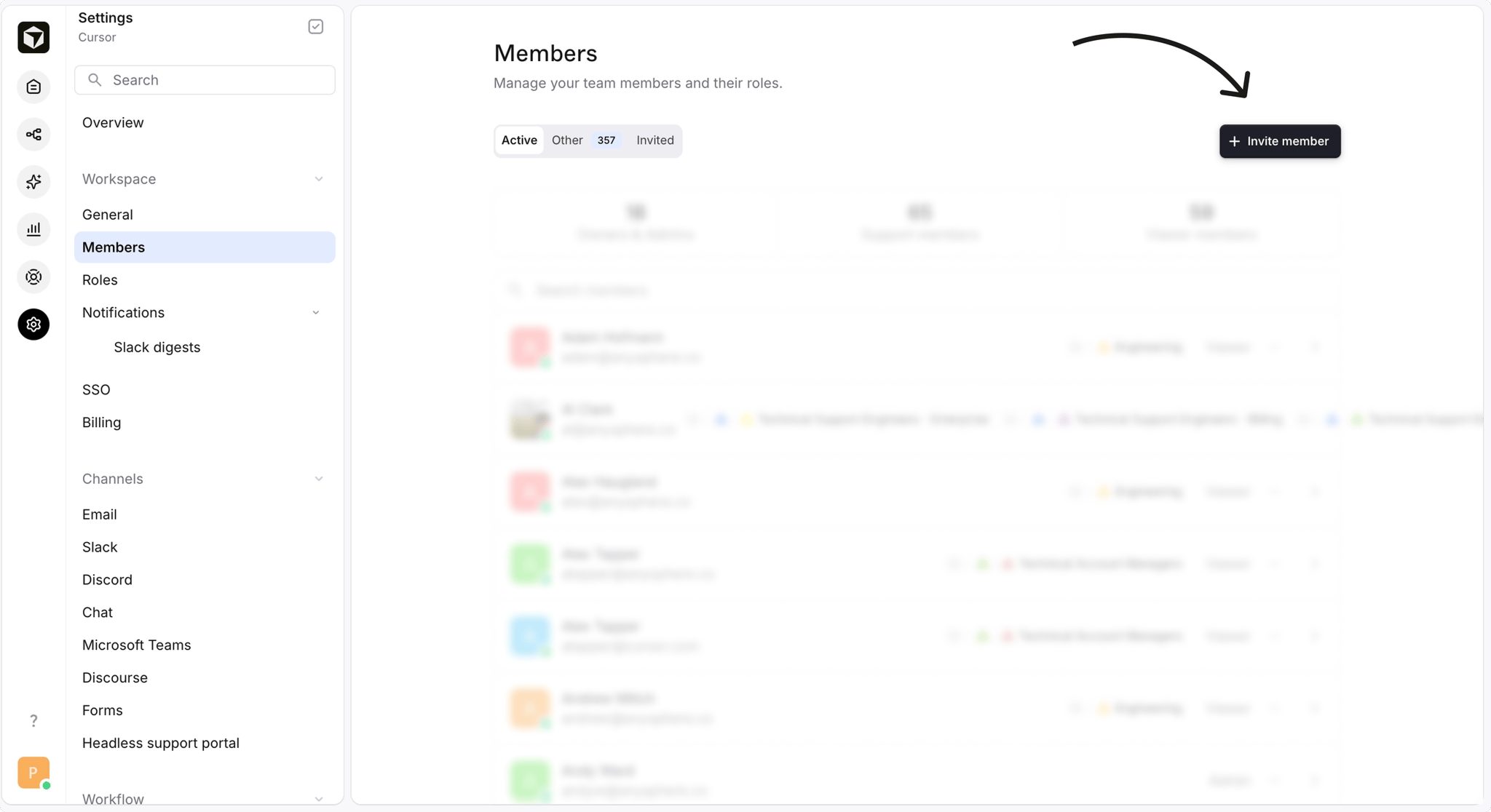
 3. Click "Invite member"
 4. Under "Email", enter `[company]@parahelp.com`
5. Set the role to "Admin": this permission allows Parahelp to connect to the Machine user.
6. Click "Send invite."
These permissions allow Parahelp to set up a Machine user and enable the AI agent to transfer tickets to team members.
For a general overview of how AI agents work in Plain (machine users, webhooks, agent status), see [**Using your own agent**](/agents/support-agent).
4. Under "Email", enter `[company]@parahelp.com`
5. Set the role to "Admin": this permission allows Parahelp to connect to the Machine user.
6. Click "Send invite."
These permissions allow Parahelp to set up a Machine user and enable the AI agent to transfer tickets to team members.
For a general overview of how AI agents work in Plain (machine users, webhooks, agent status), see [**Using your own agent**](/agents/support-agent).